Squares in terrain ATI

1 pages Page 1
foamymaster1479
foamymaster1479
Academy Page
#1
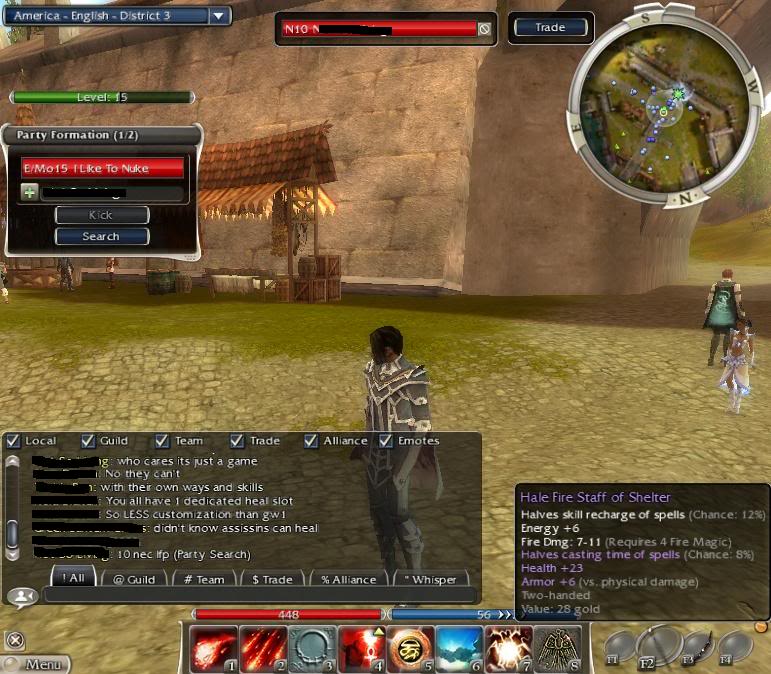
ok, so my terrain textures don't seem to be loading properly. All of the other textures load in the game and even the ground texture loads when you are in the character select screen. I can't seem to find any help on this issue other than Nvidia help, yet I have an ATI card. I have tried updating the drivers to my card and changed all of the settings in the game. Here is what the issue looks like


thanks in advance for those that help .
Lord Sojar
Lord Sojar
The Fallen One
#2
I thought the terrain looked like that on low. Have you tried to increase the graphical setting for terrain to see if that remedies the situation? I could be totally off base here.
tijo
tijo
Jungle Guide
#3
Quote:
Originally Posted by Lord Sojar View Post
I thought the terrain looked like that on low. Have you tried to increase the graphical setting for terrain to see if that remedies the situation? I could be totally off base here.
I was thinking the same thing so i checked and yep, terrain looks like that on low definitely check your settings in GW.
foamymaster1479
foamymaster1479
Academy Page
#4
That's what I thought at first but when I looked at the setting I have everything set to high. If believable the low actually gets worse. I just deleted and re-installed it to see if there was a corruption issue but the terrain problem is still there.
A
AthenaNeiro
Ascalonian Squire
#5
Try going into your graphic cards drivers and boosting settings in the 3d (?) category
tijo
tijo
Jungle Guide
#6
Quote:
Originally Posted by AthenaNeiro View Post
Try going into your graphic cards drivers and boosting settings in the 3d (?) category
That, open your catalyst control center and check if you have some options that are forced through the driver instead of left to the application to decide. If this fails, you should uninstall your video drivers and install the latest version which can be found on AMD's website.

EDIT: You could also try forcing everything to the highest quality and see what happens. If it fixes the problem, then revert every option to default one by one to find which one is causing the problem.
foamymaster1479
foamymaster1479
Academy Page
#7
Thank you...I went into the catalyst controls, went to 3d...then just unchecked the use custom settings check box and now everything is working like a charm